Deployment
To proceed further, you must deploy your Keys Api.
In your
arch-keys-api.yml
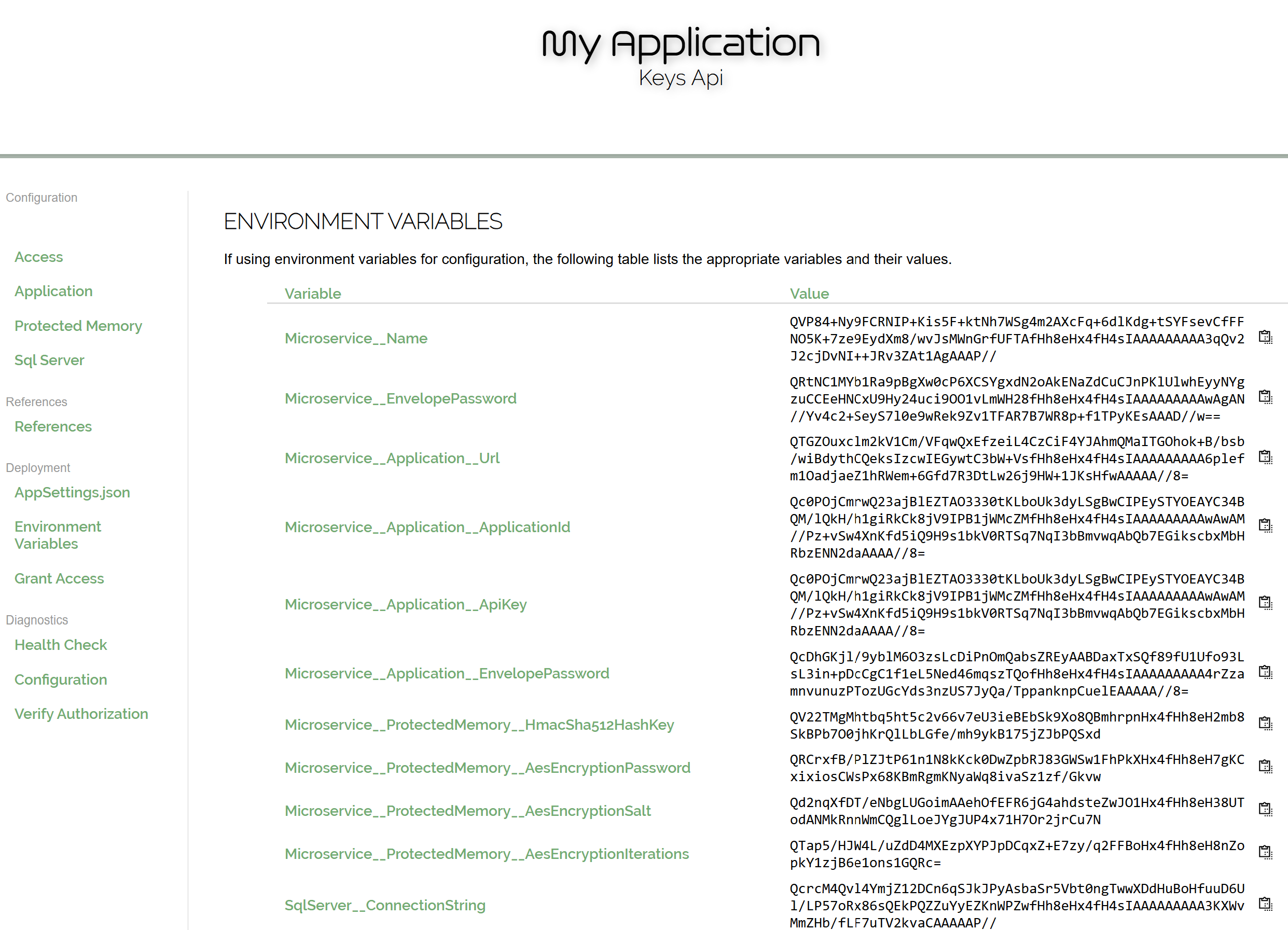
file will be a series of environment variables that require values.
Obtain those values from the
Environment Variables screen in the Control Panel.
A helpful Copy to Clipboard button is provided next to each value, just click that and paste into its appropriate spot in the service yml file.
Deploy the Keys Api into its Docker container when the environment variables are set up in arch-keys-api.yml.
Also change the volume source path to something appropriate for your deployment.
As you require, you may also perform any other configurations to the yml file.
With the container running, perform a Health Check (see below).
If the health check shows Healthy, the Keys Api is ready to accept requests.
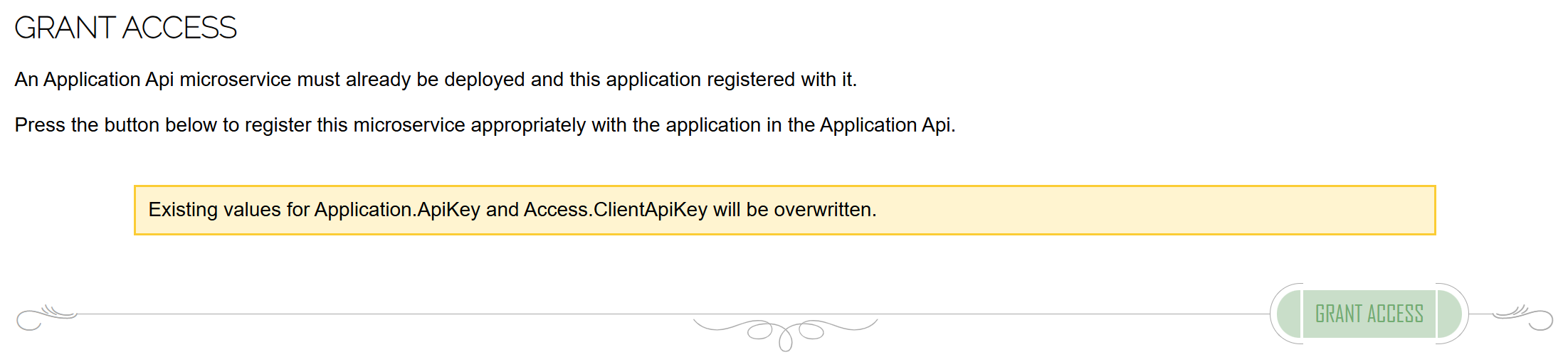
Grant Access to the Keys Api in your application.
Arch protects the entire distributed application and without this authorized access, all calls to the Keys Api will be disallowed.