Control Panel
Verify Authorization
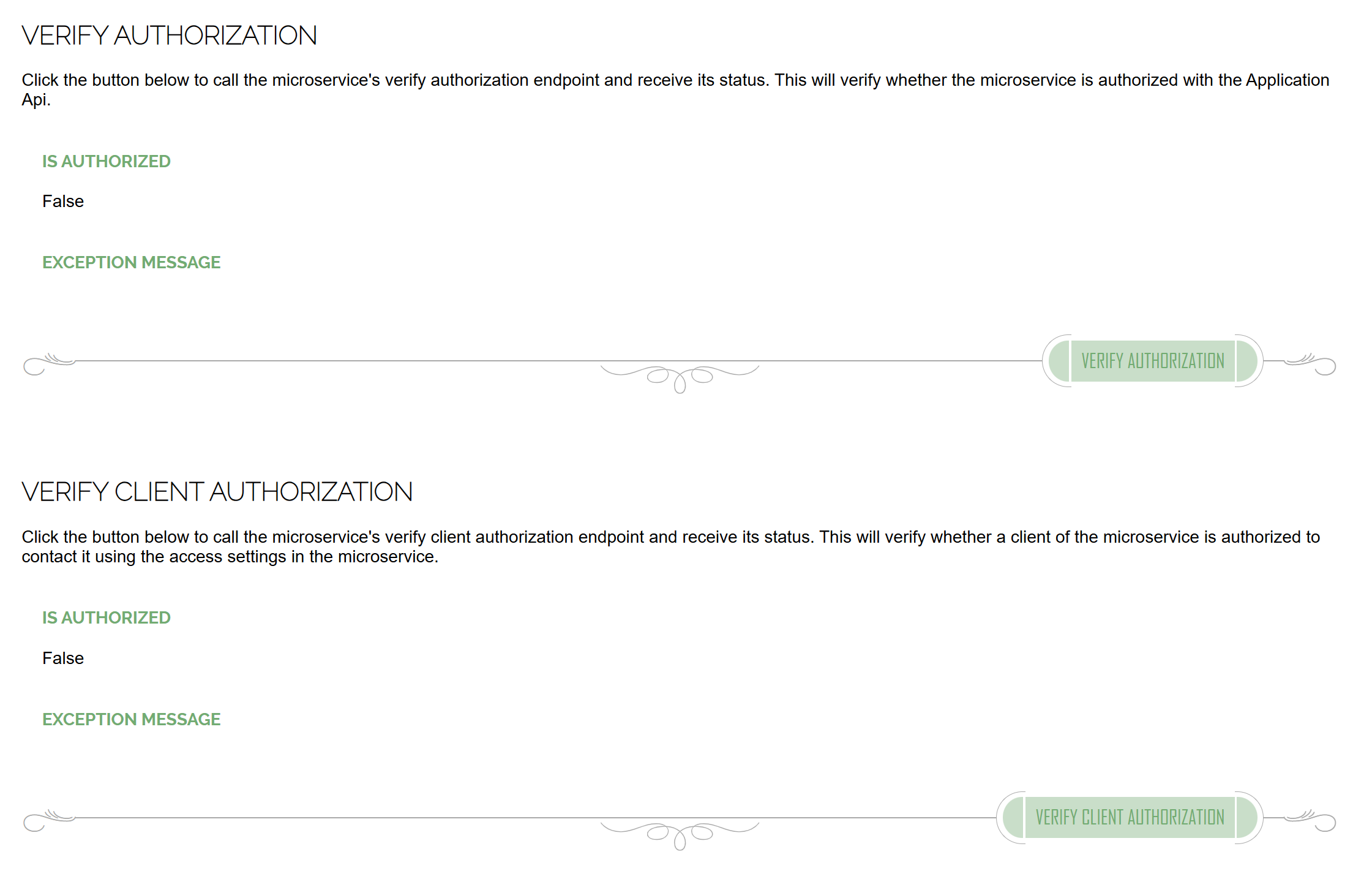
The Verify Authorization screen allows testing of both authorization functions in isolation. If there is a problem, the exception message that causes the problem will be displayed.
Press the Verify Authorization button to test the microservice's ability to authenticate with the Application Api. A successful test will report Is Authorized = true. The Application settings are used in this test.
Press the Verify Client Authorization button to test a client's ability to authenticate with the microservice. A successful test will report Is Authorized = true. The Access settings are used in this test.
Tech Sovereignty
Arch
Company
About Contact