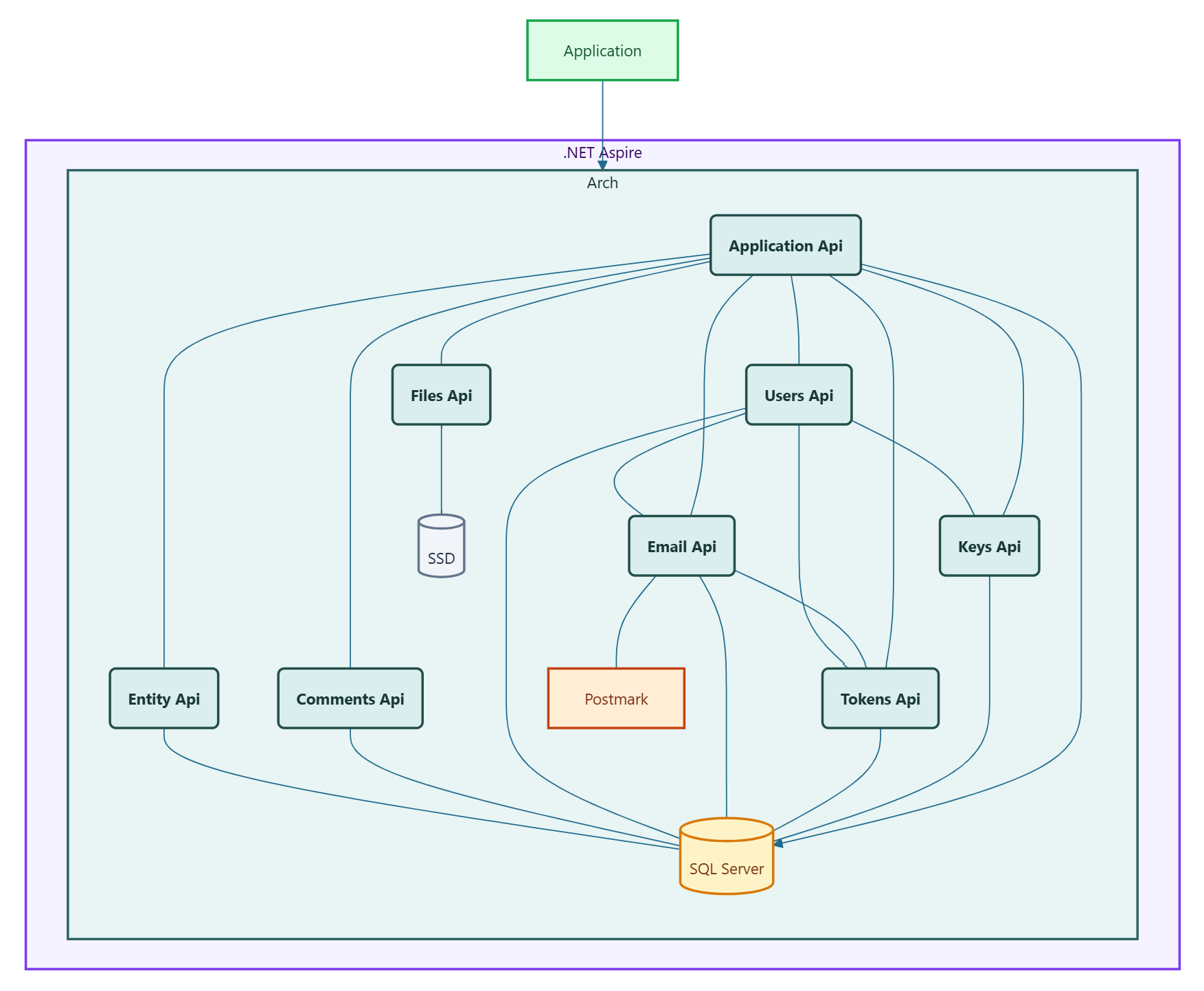
Application Code
Your application runs as a .NET project inside the Aspire solution.
Set it up with TriunniaLabs.Arch.Microservice and the client packages for any APIs you are using.
The appsettings.json block generated by the Control Panel provides all connection and authorization settings.
For local development, add DummyIpAddressMiddleware to your application startup.
This is required when running behind Aspire because the middleware layer does not forward a real client IP address in the local environment.
if (builder.Environment.IsDevelopment())
builder.Services.AddSingleton<DummyIpAddressMiddleware>();
// ...
if (app.Environment.IsDevelopment())
app.UseMiddleware<DummyIpAddressMiddleware>();